Cet article est actuellement disponible en anglais uniquement.
Telemedicine App Development: Features, Architecture and What It Takes to Work on a Weak Connection
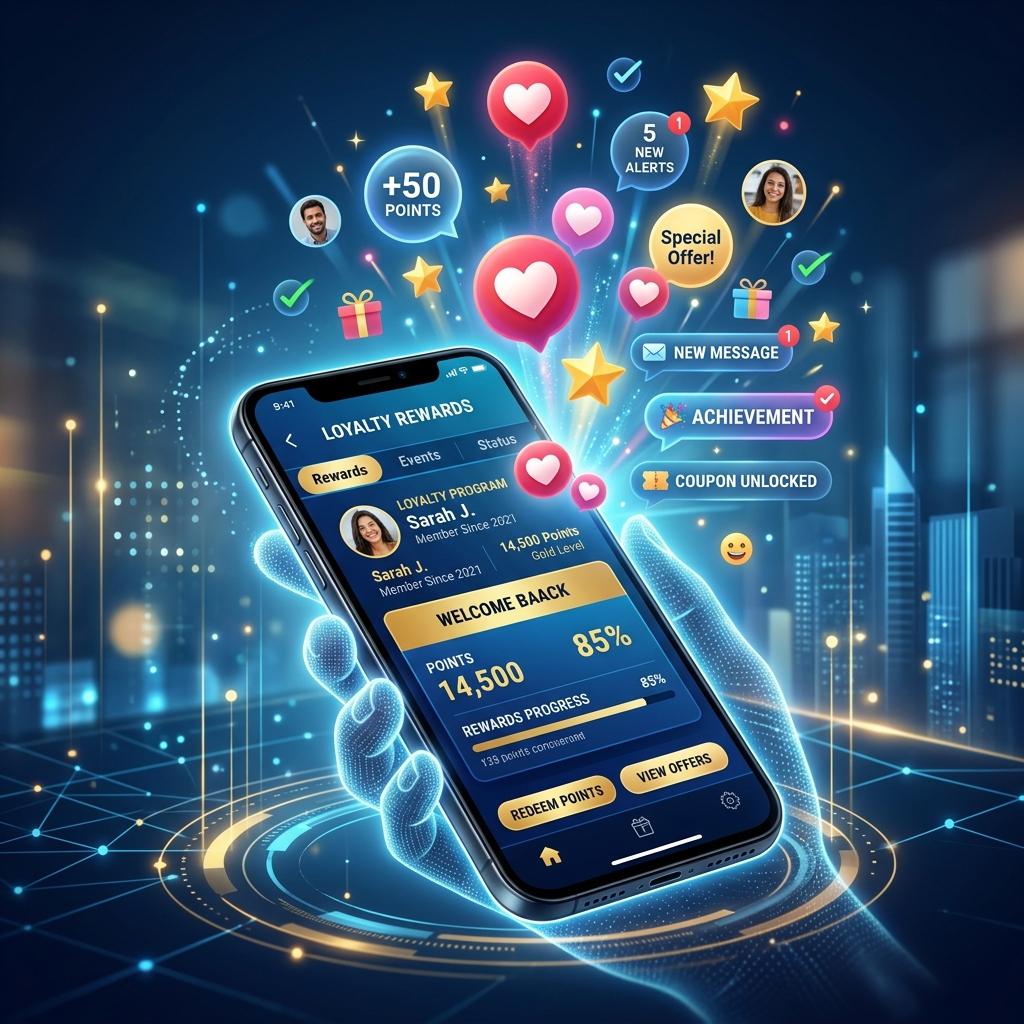
Telemedicine stopped being an experiment a few years ago. Patients now expect to book a doctor, see them on video and receive a prescription without travelling. For clinics, channelling services and insurers, a well-built telemedicine app extends reach without new buildings. A badly built one drops calls, confuses elderly patients and creates clinical risk.
Here is what goes into a telemedicine platform that works in real conditions.
Features for patients
- Find and book. Search by specialty, doctor, language or availability, then pay and confirm in a few taps.
- Pre-consultation intake. Symptoms, current medicines, allergies and photos or reports uploaded before the call, so the doctor is not starting cold.
- A simple waiting room. Clear status ("the doctor is running 10 minutes late") and a camera and microphone check before joining.
- Video, audio and chat. With an easy switch to audio-only when the connection is poor.
- After the visit. Prescription, notes, lab requests, follow-up booking and receipts in one place.
- Family profiles so a parent or carer can manage appointments for children or older relatives.
Features for doctors and clinics
- Schedule and slot management across physical and online clinics.
- A consultation screen showing the patient's history, intake answers and uploaded documents next to the video.
- Structured notes and e-prescriptions with a medicine catalogue, dosage templates and a digital signature.
- Referrals, lab orders and follow-up reminders.
- An admin console for clinic staff covering payouts, refunds, cancellations and reports.
Video architecture: WebRTC done properly
Most telemedicine video runs on WebRTC, the open standard built into modern browsers and available on Android and iOS. A production setup has a few parts:
- Signalling server, usually over WebSockets, to set up and tear down calls.
- STUN and TURN servers so calls connect through home routers and mobile carrier networks. TURN relays are essential; without them a share of calls simply fail.
- An SFU (selective forwarding unit) when you need more than two participants, such as a doctor, patient and interpreter or family member.
- Adaptive bitrate so video quality drops gracefully instead of freezing.
Teams can self-host open-source media servers or use a managed video API. Managed services speed up delivery; self-hosting gives more control over cost and data location. Either way, decide early whether calls are ever recorded, and if so, where recordings are stored and who can access them.
Designing for weak connections
Many patients join from a phone on mobile data, sometimes far from a city. The app should:
- Fall back to audio-only automatically and let the user choose it upfront.
- Keep chat and file sharing working even when video cannot.
- Reconnect a dropped call into the same consultation instead of starting over.
- Compress uploaded photos and reports on the device before sending.
- Keep the app small and the first screen fast on mid-range Android phones.
Security, consent and clinical governance
A consultation is a medical record. Encrypt traffic end to end where possible and always in transit, store notes and prescriptions with an audit trail, and capture explicit patient consent for remote consultation. Verify doctors' registrations before they go live on the platform, and follow the telemedicine and prescribing guidance of the medical council in each country you operate in. Our healthcare data security guide goes into the technical controls.
Payments and integrations
Telemedicine platforms usually need local card and wallet payments, refunds for cancelled sessions, doctor payouts, SMS and push notifications, and links to pharmacies or labs for delivery and sample collection. If the service sits alongside a hospital, connect it to the existing patient record through an API or HL7 FHIR so online and in-person visits share one history.
A sensible first release
A focused first version usually includes booking and payment, one-to-one video with audio fallback, chat and file upload, e-prescriptions, and an admin console. Group calls, insurance claims, pharmacy delivery and AI-assisted intake can follow once real usage shows what patients and doctors need next.
How Mickiesoft can help
Mickiesoft builds web and native mobile apps from Sri Lanka for clients at home and abroad. If you are planning a telemedicine service, see our healthcare app development services or get in touch to talk through scope and architecture.
Building a telemedicine service?
Mickiesoft builds secure video consultation, booking and e-prescription platforms across web, Android and iOS.
Discuss Your ProjectQuestions fréquentes
Retrouvez les réponses aux questions les plus courantes sur nos services, notre méthode et nos compétences.