Cet article est actuellement disponible en anglais uniquement.
Hotel PMS Integrations: Channel Manager, POS, Door Locks and More
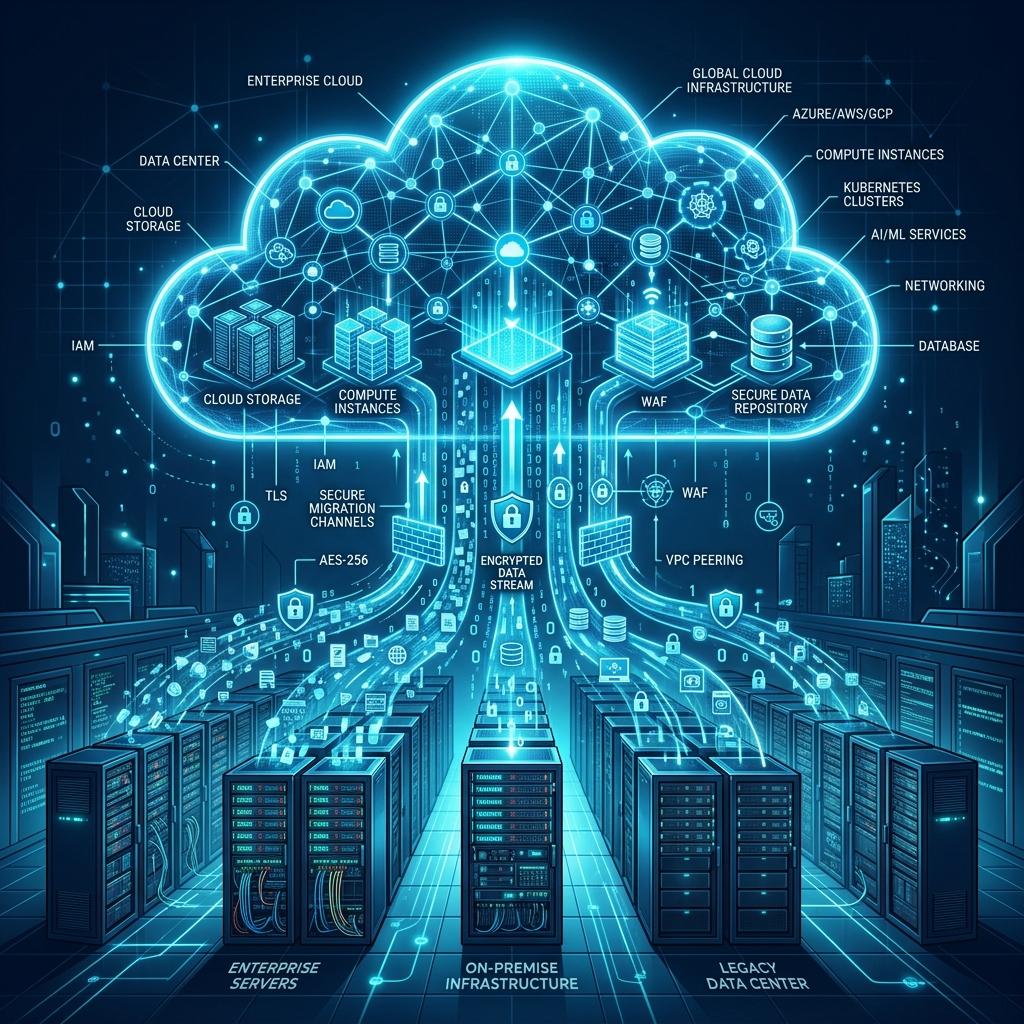
A hotel PMS on its own manages rooms, guests and bills. In practice it sits in the middle of a dozen other systems: the channel manager that sells rooms on Booking.com and Expedia, the booking engine on your website, the restaurant POS, the door lock system, the telephone exchange, the payment terminal and the accounting package. When those connections work, staff barely notice them. When they don't, reception spends the day re-typing bookings and chasing unpaid bar bills.
This guide covers the integrations that matter most, how they usually work, and what to agree with your PMS vendor before you go live.
How PMS integrations work
Most modern integrations use one of two patterns, often both together:
- An API the other system calls to read or write data: "give me availability for these dates", "create this reservation", "post this charge to room 204".
- Webhooks the PMS sends when something changes: "a booking was cancelled", "room 204 checked out", "the business date rolled".
Older systems still use file transfers or interfaces such as FIAS for locks, POS and telephone systems. A good PMS supports modern APIs and has a plan for the older interfaces your property already owns.
Channel manager
This is the integration that protects you from overbooking. The channel manager sits between the PMS and the online travel agencies (OTAs) and does three things:
- Pushes availability and rates from the PMS to every connected site.
- Pulls new bookings, modifications and cancellations back into the PMS.
- Maps your room types and rate plans to each OTA's own codes.
Things to check:
- Two-way and real time. Availability should update within seconds of a booking, not on a 15-minute batch.
- Modifications and cancellations. Ask to see a date change and a cancellation flow through end to end, not just a new booking.
- Mapping. Every room type and rate plan must map cleanly. Unmapped bookings that land in a "holding" area are where double bookings start.
- Payment details. OTA virtual cards and guest cards should arrive as tokens, never as card numbers in a notes field.
Booking engine
The booking engine is the "Book now" flow on your own website. Direct bookings avoid OTA commission, so this connection pays for itself quickly. It needs live availability and rates from the PMS, the ability to create a reservation with a deposit, and confirmation emails that match the booking in the PMS. Some properties use the channel manager's booking engine; others use one built into their website. Either works if it writes straight into the PMS.
Restaurant and bar POS
The POS integration lets outlets charge a guest's room. The flow is simple but has to be reliable:
- The POS looks up the guest by room number or name and confirms they are in house and allowed to charge.
- The charge posts to the guest's folio with the outlet, cheque number and items.
- Day-end totals in the POS match the room charges posted in the PMS.
Ask what happens when the connection drops in the middle of dinner service. The POS should queue room charges and post them when the link returns, not lose them.
Door locks and mobile keys
The lock integration encodes a key card (or a mobile key) for the right room and the right dates when the guest checks in, and stops it working at check-out. Common lock systems include ASSA ABLOY (VingCard), dormakaba and Salto. Confirm which model and software version your property has before assuming a connection exists, because lock interfaces vary between versions.
Payments
Card payments should go through a payment provider that tokenises the card. The PMS stores a token, not the card number, and uses it for deposits, incidentals and no-show fees. This keeps the PMS out of most PCI DSS scope and protects guests if anything is ever compromised.
Accounting and ERP
Night audit totals by department, payments by method and city ledger balances usually need to reach the accounting system. A daily journal export or an API integration saves your accountant re-entering figures and keeps the two systems reconciled.
Other connections
- PBX / telephone for call charges and wake-up calls.
- Wi-Fi for guest login by room number and surname.
- Revenue management systems that read pickup and push recommended rates.
- Guest messaging and CRM for pre-arrival emails and reviews.
Integration checklist before go-live
- List every system the property uses today, with vendor, version and contact.
- Agree which connections are needed on day one and which can follow.
- Get written confirmation of who builds and supports each connection, and the cost.
- Test each flow on a test property: new booking, change, cancellation, room charge, key issue, check-out.
- Decide what staff do if a connection is down, and practise it once.
- Connect the channel manager last, after availability in the PMS is confirmed correct.
Integrations in the Mickiesoft PMS
The Mickiesoft hotel PMS has a documented partner API and webhooks for channel managers, booking engines, POS, door locks, PBX and revenue systems. The connection to your specific vendors is set up during onboarding, and card guarantees are handled as tokens by the payment provider. If you need a direct-booking website alongside it, see our hotel website design service.
Looking for a hotel PMS?
Mickiesoft's cloud PMS covers reservations, front desk, billing, housekeeping and night audit, with integrations for channel managers, POS and door locks.
See the Hotel PMSQuestions fréquentes
Retrouvez les réponses aux questions les plus courantes sur nos services, notre méthode et nos compétences.